
Choose a layout
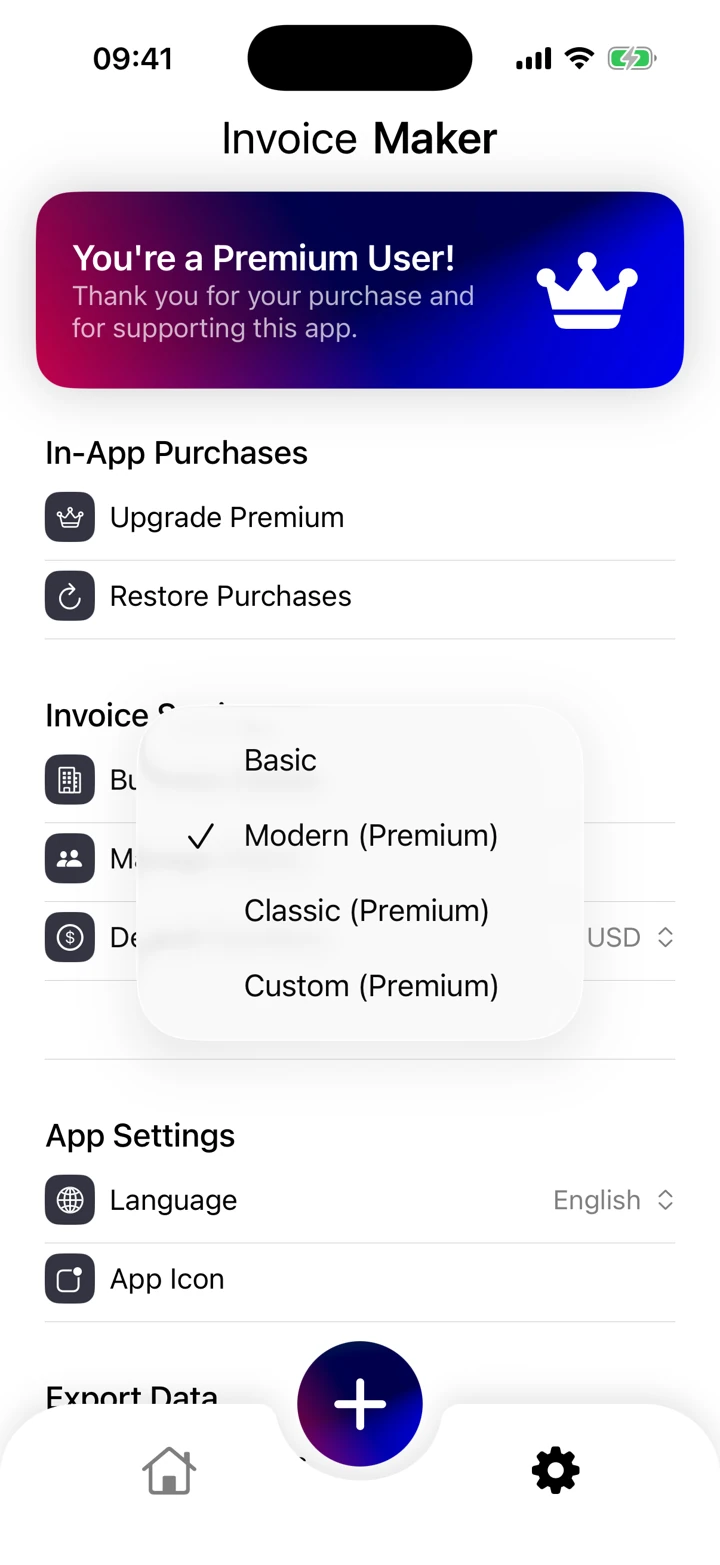
The template screen shows the available invoice styles. Choose a layout that keeps the recipient, invoice reference and total readable. Look at the completed PDF as well as the preview.
Prepare your business and clients
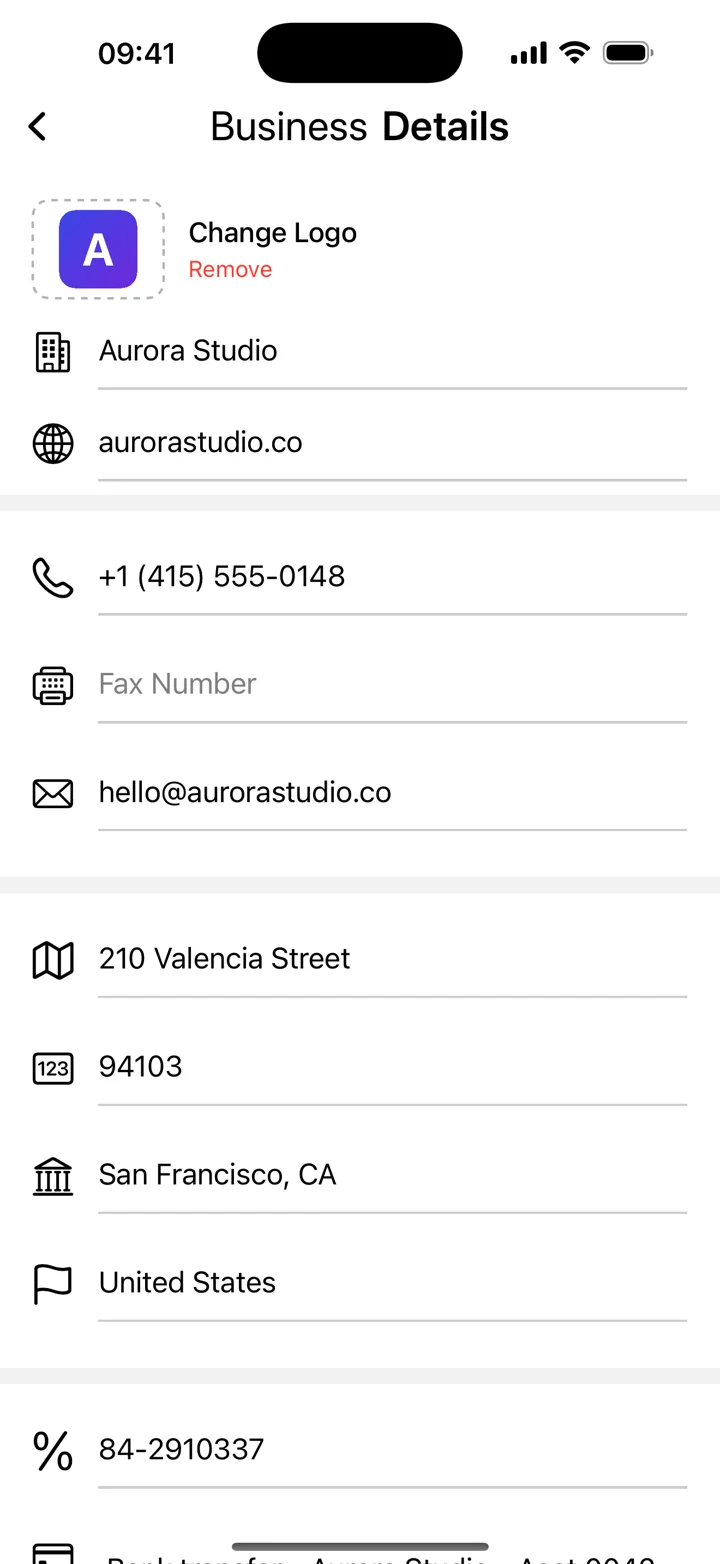
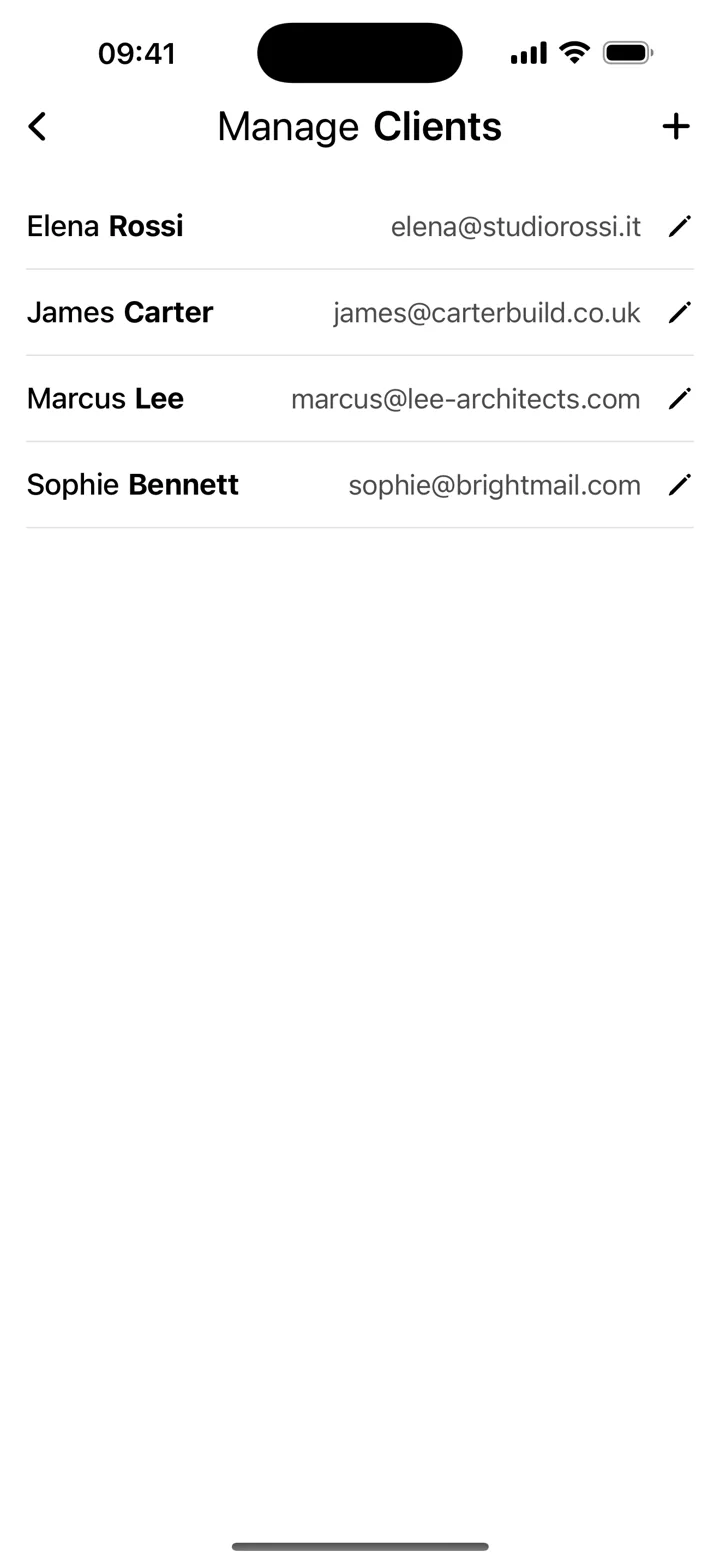
Add the business details you want on the invoice and keep your client billing records ready for the next job. Check the recipient details whenever they change.
Review the finished invoice
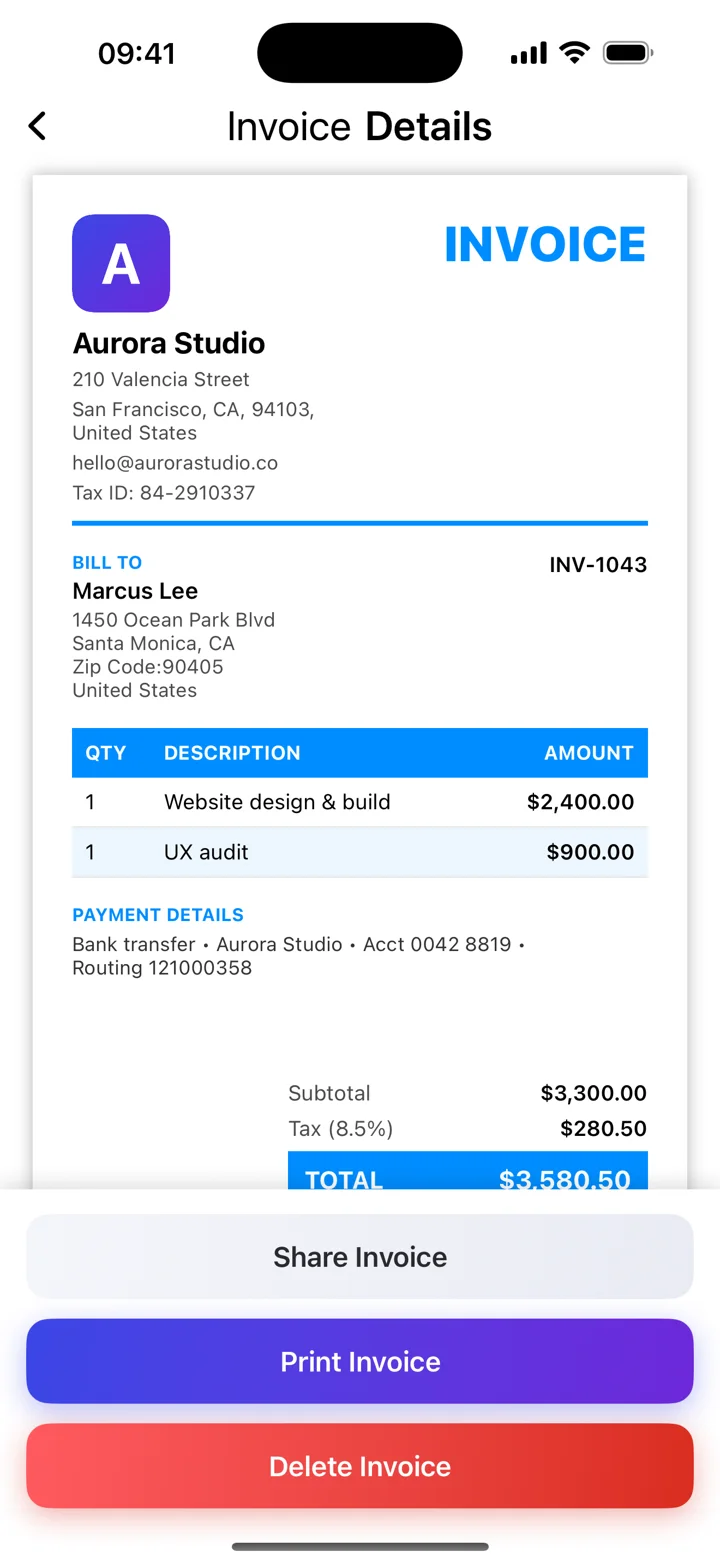
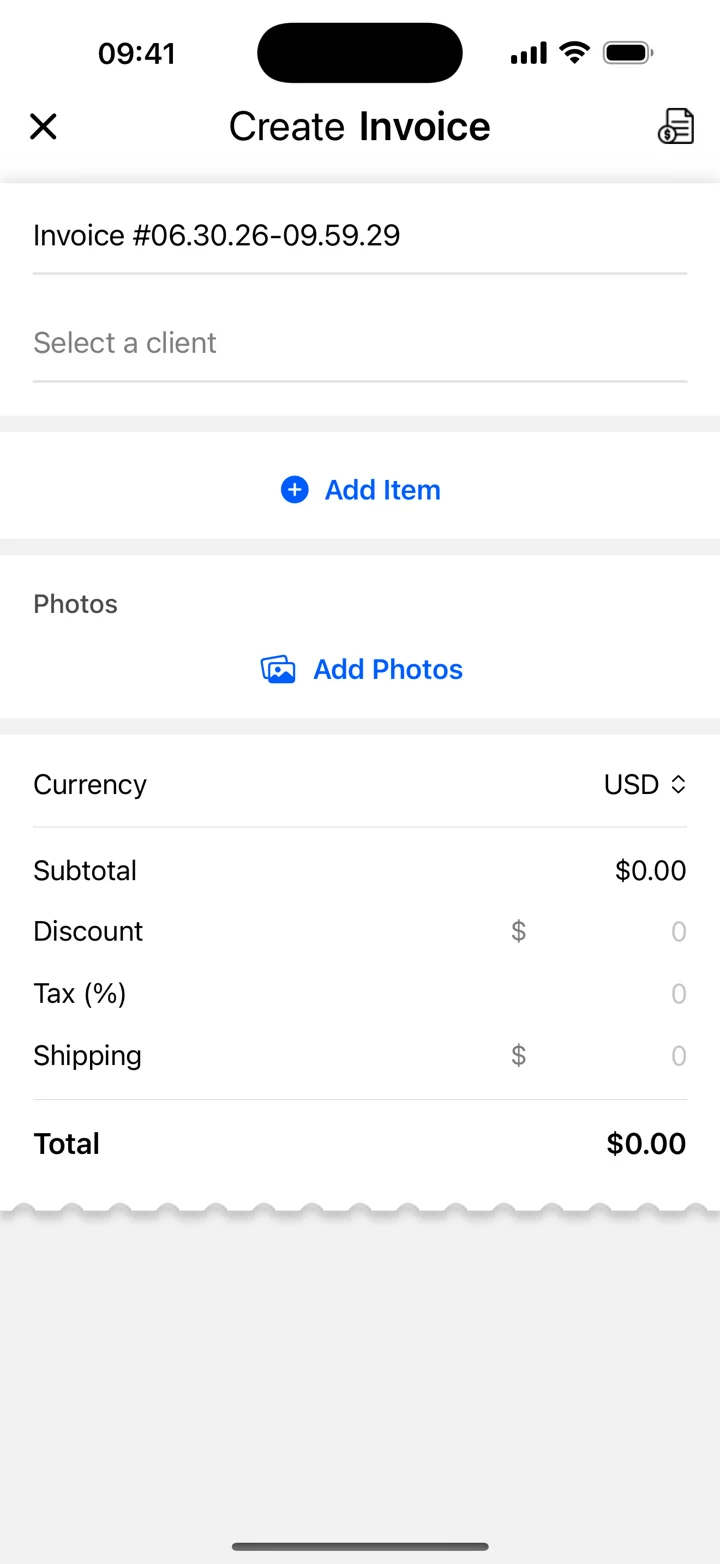
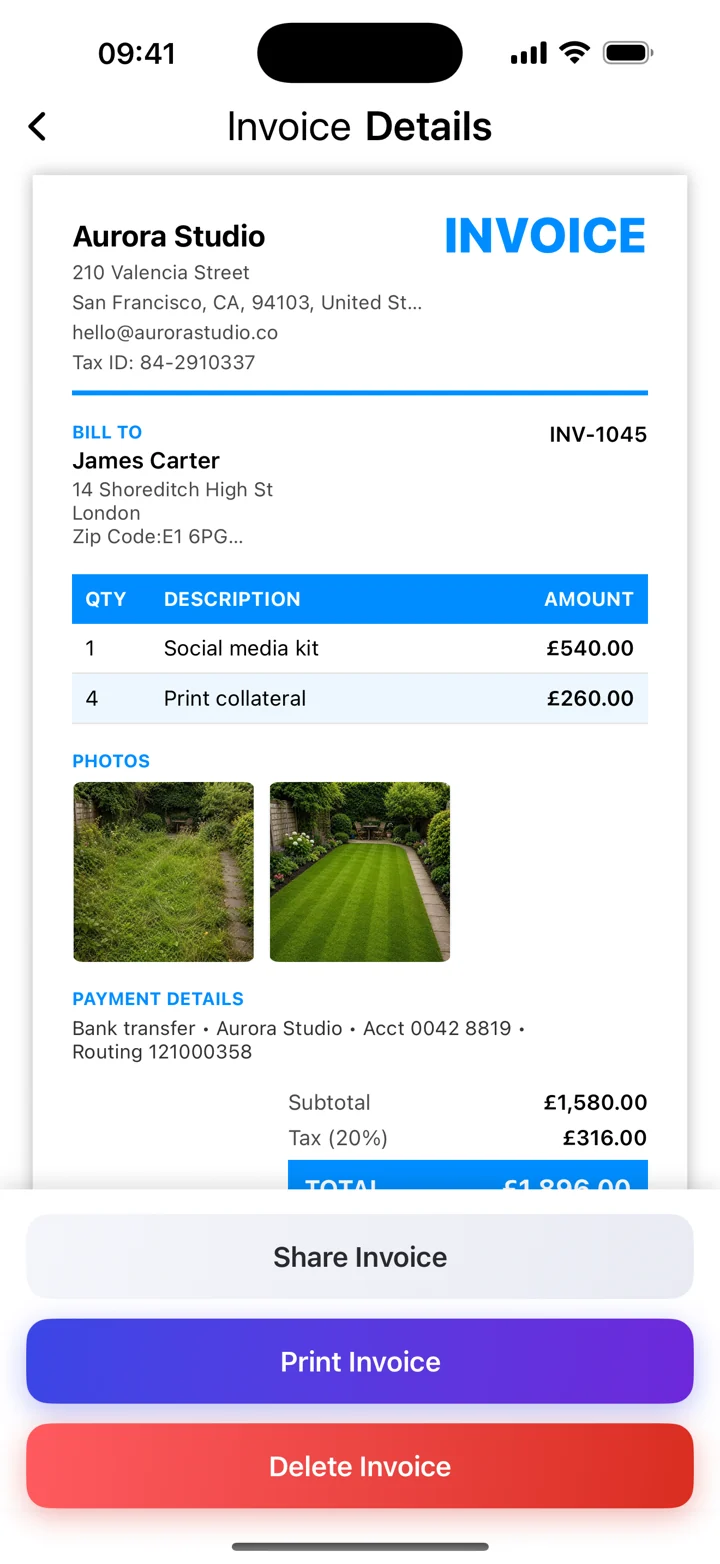
The editor and document preview cover different stages of the workflow. Before sending, check dates, line items, currency, totals and your agreed payment instructions. Screens show demo data; the current app version and premium options may differ.