Set up your business
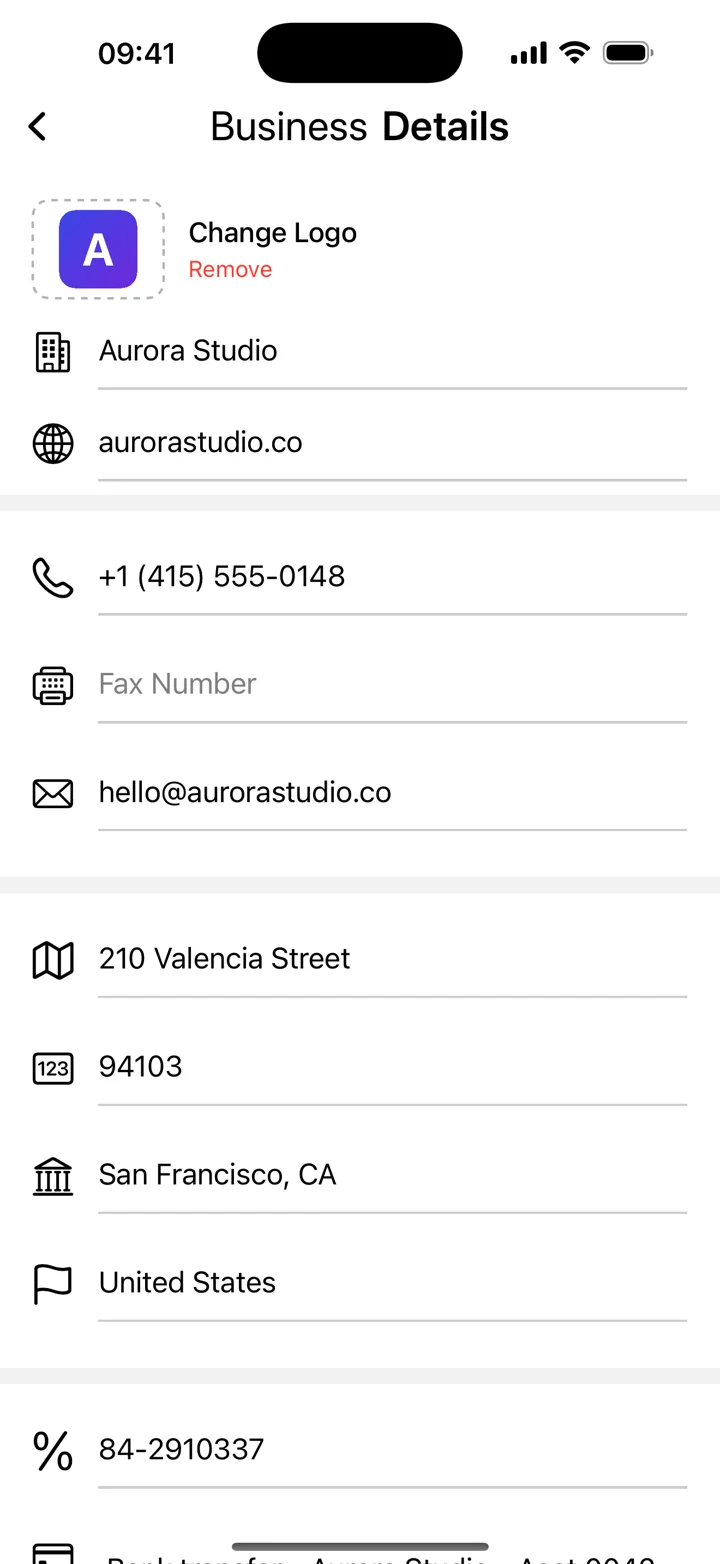
Open the business details and add the name and contact information you want on your invoices. Add your logo using the app’s business profile tools. Check spelling and use an image that remains readable when displayed at a small size.
Choose a template
The template chooser lets you compare invoice layouts. Pick one that gives the line items and total enough space, then check how the business details and logo appear together. Our template page shows the actual chooser in English, Spanish and Japanese.
Check the finished document
Export a PDF and review it as a client would. Make sure the logo is clear, contact information is current and the invoice remains easy to read. A logo adds recognition; the complete invoice details still need to match the rules that apply to your business.