
A PDF you can be proud of
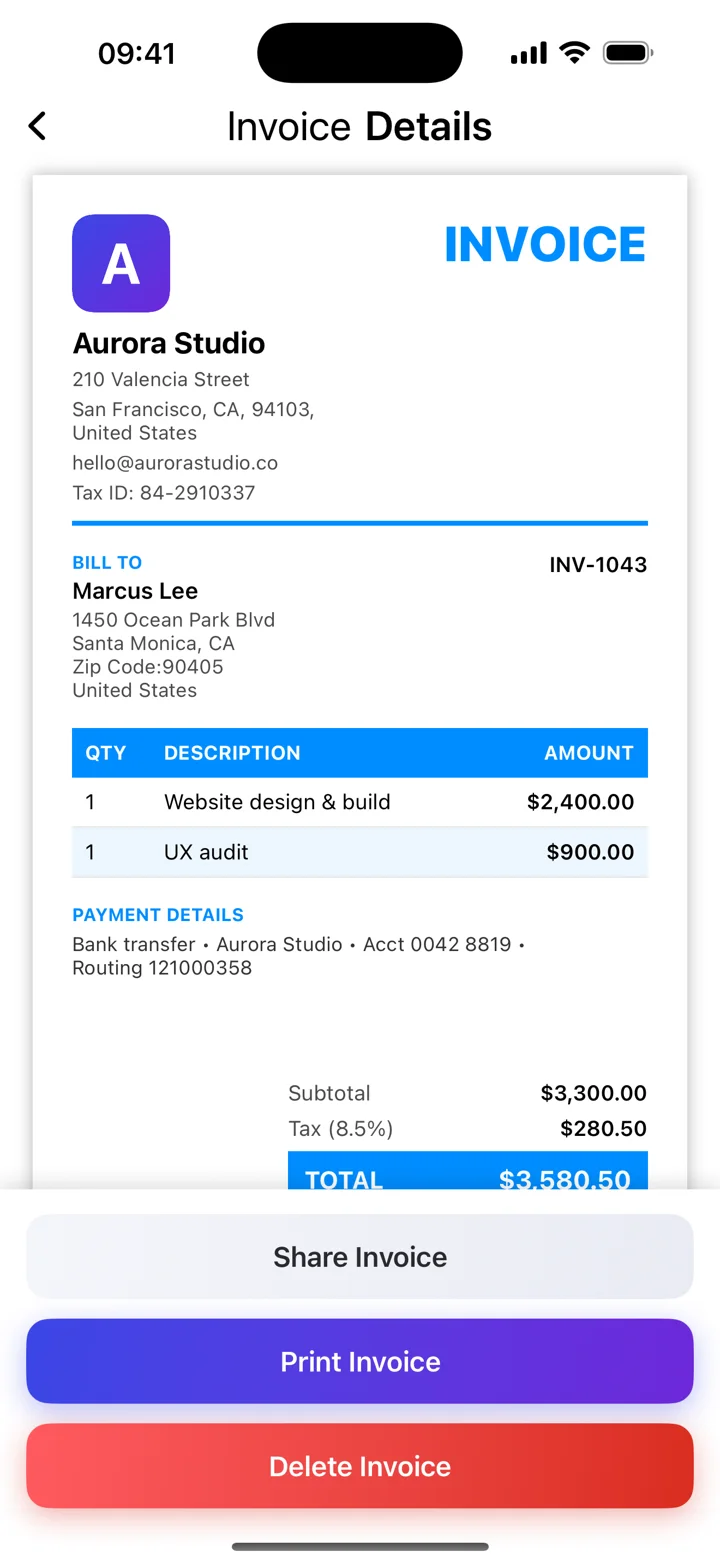
Add your business details and logo. Create an itemized invoice with a clear total and share it as a PDF.
Finish the job. Send the invoice. Get back to what you do best. Simple PDF invoicing for freelancers and small businesses.
Invoice Maker is listed on the App Store as Invoice Creator | Kivana.
Free download. In-app purchases apply; see the App Store for current plans and limits.
The essentials for billing clients, without making your workday more complicated.
Add your business details and logo. Create an itemized invoice with a clear total and share it as a PDF.
Keep client details together so your next invoice starts with the information you need.
Record paid invoices and use the overview to see the work that still needs follow-up.
Add visual context to an Invoice Maker invoice: show the item or completed work alongside a clear description and price.
Read the guideKeep your business identity consistent with a saved logo, clear contact details, and a template that suits your work.
Read the guideKeep client information together in Invoice Maker, then use it when you prepare another invoice.
Read the guideUse Invoice Maker’s records to see which invoices you marked as paid and which still need your attention.
Read the guideAdd your business details, your client, and the work you are billing for.
Review line items, dates, totals, and payment instructions.
Share your invoice with the client and keep a copy for your records.
Practical answers for the moments when you just want to get the paperwork right.
Add your business and client details, describe the work, check dates and totals, then share a PDF. Start with the agreed job details so the invoice is easy for your client to recognize.
Read the guideA PDF invoice is an invoice saved as a portable document file. It preserves the layout when shared, so your client can read the same document you reviewed.
Read the guideChoose a layout that makes your business, your client, the work, and the amount due easy to find. A polished template is useful when it makes the invoice clearer.
Read the guideMake the connection between the agreed project and the amount you are asking to be paid. Clear descriptions, rates, dates, and payment instructions help clients review your invoice.
Read the guideAn invoice sets out what is owed for goods or services. A receipt records a payment that has been received. Sending an invoice is not proof that the client has paid.
Read the guideGood payment terms tell your client when payment is due, how to pay, and which reference to use. Agree the terms before invoicing, then write them clearly on the document.
Read the guideThe real app, as shown on the App Store. Open any screenshot for a larger view.
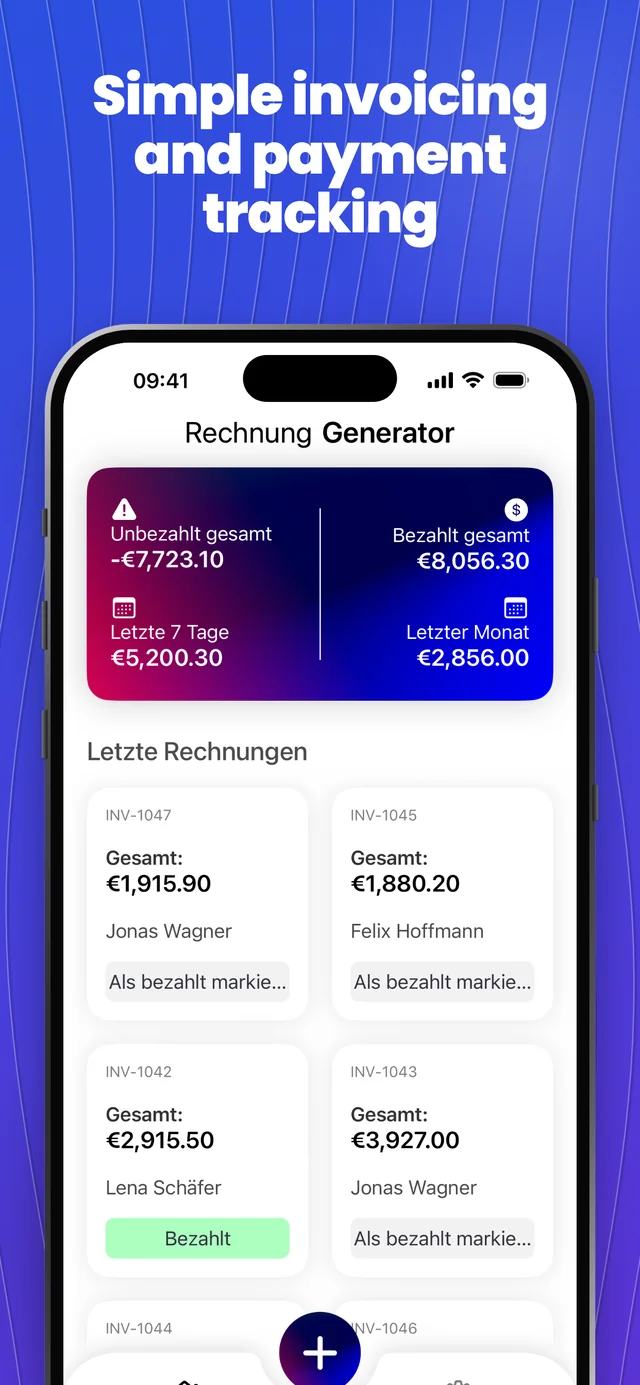
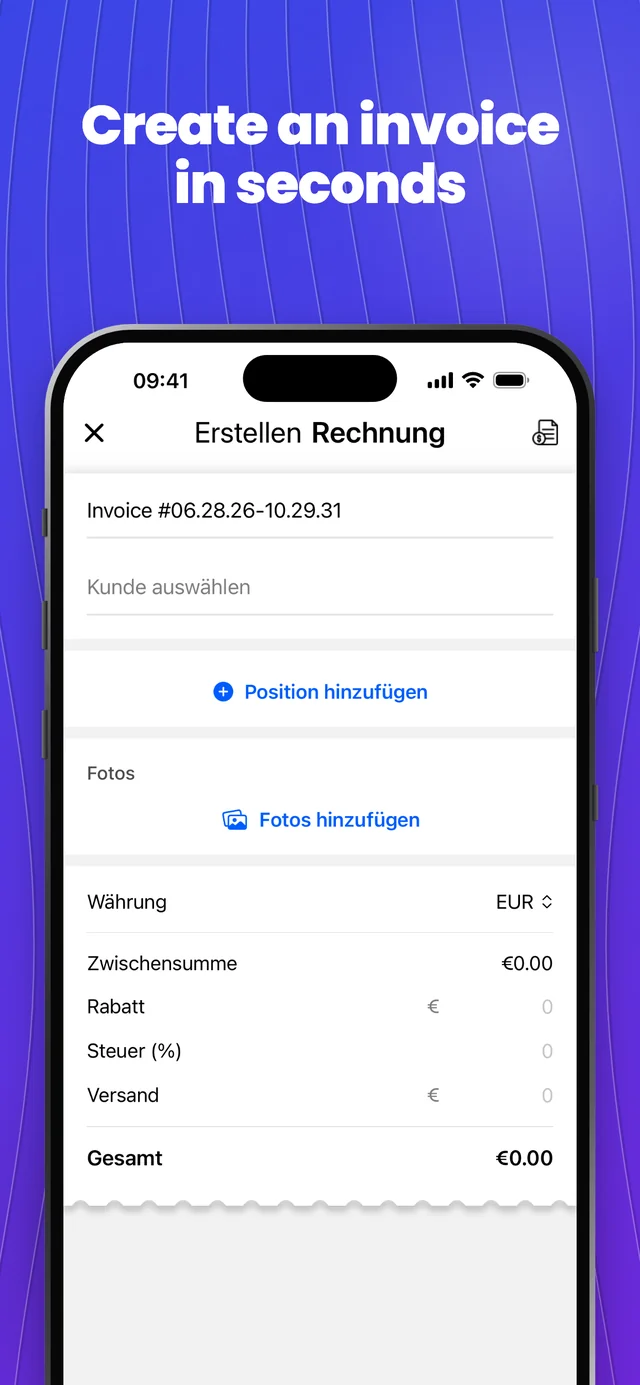
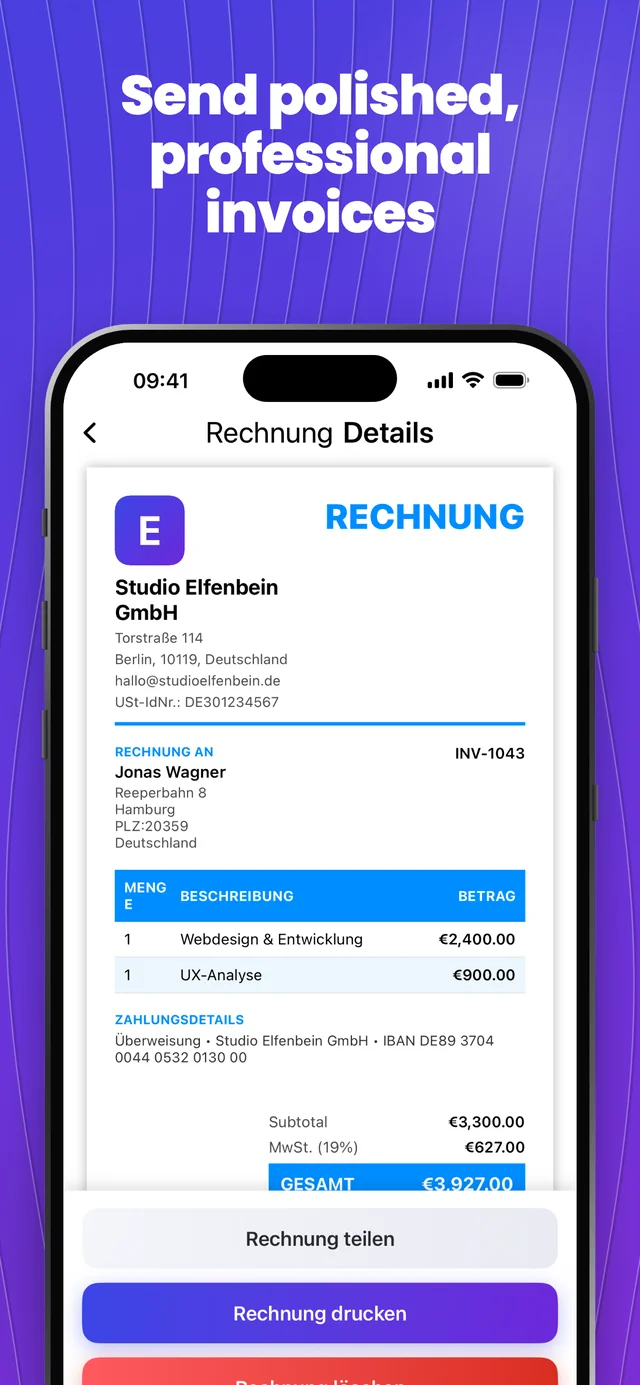
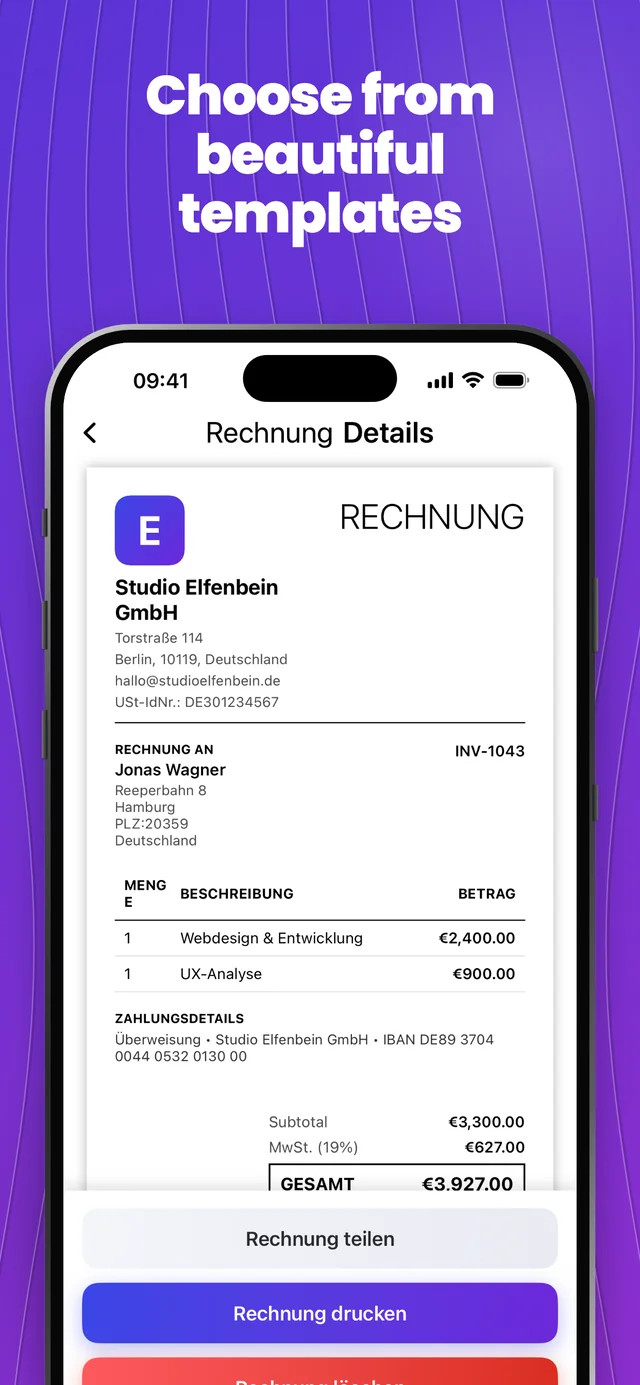
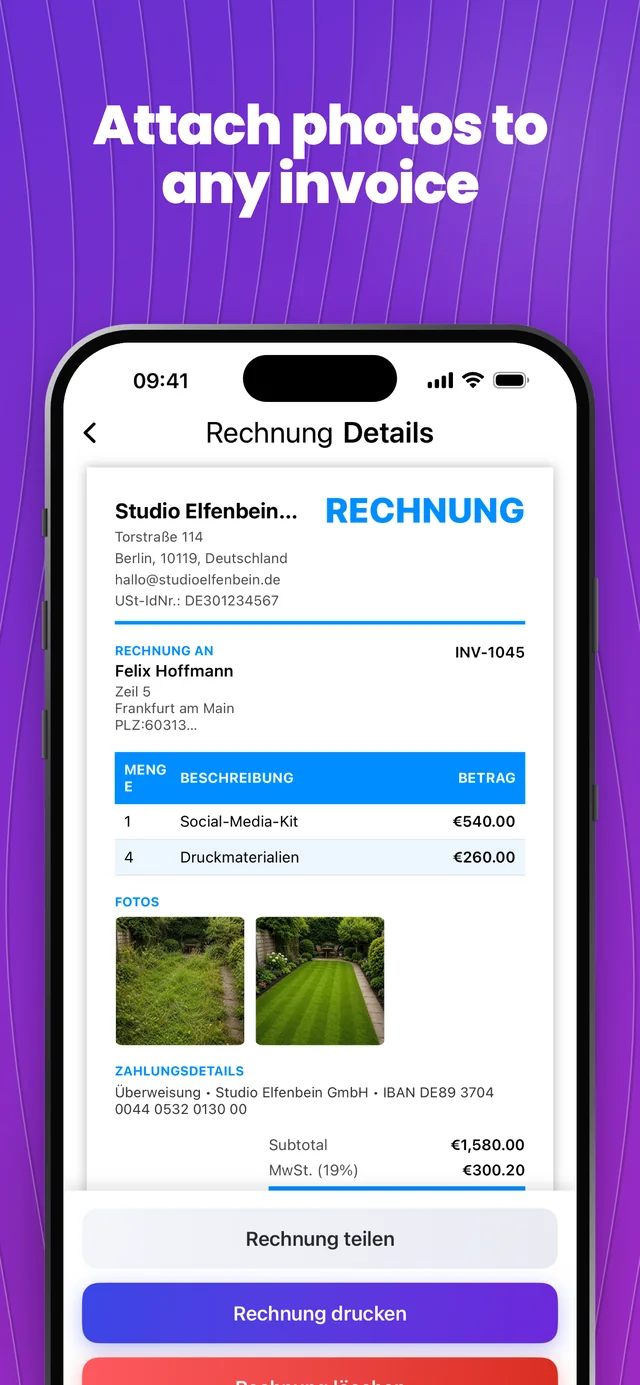
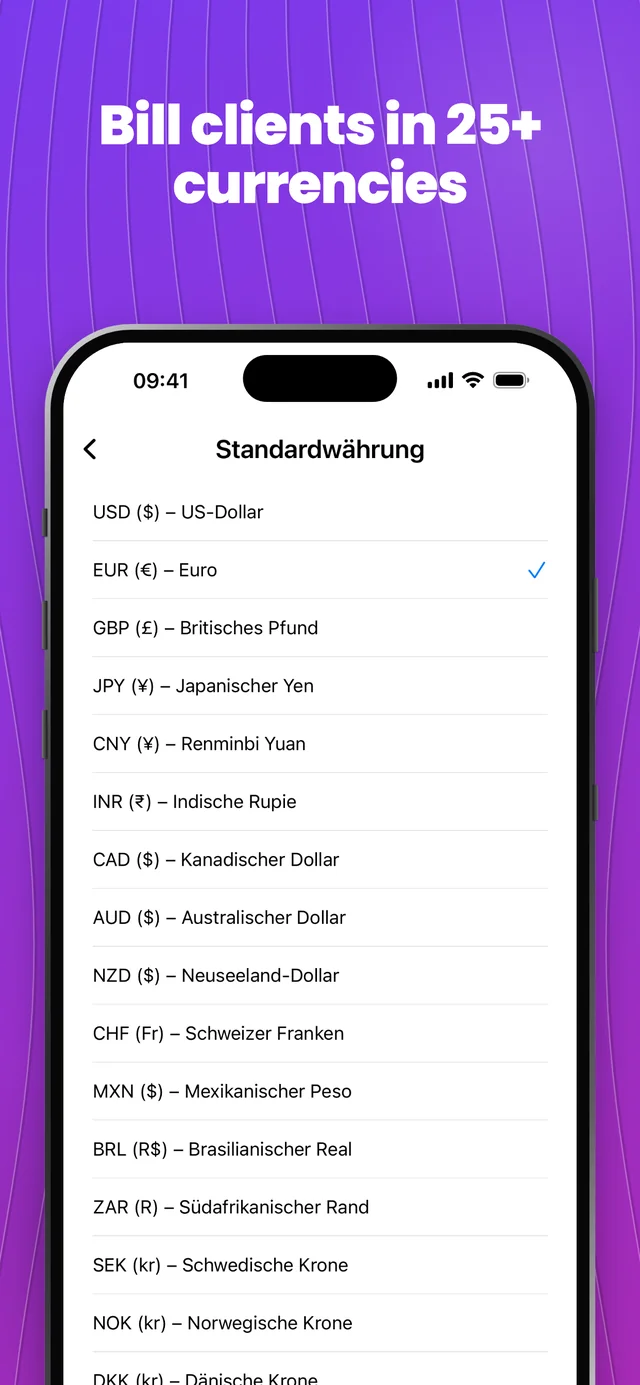
Published App Store screenshots. Features and appearance can vary by release; some options require a subscription. App Store screenshots may include English interface elements.
Explore the app screens →Invoice Maker is an invoicing app from The Salty Pistachio LTD, listed on the App Store as Invoice Creator | Kivana. It helps you create and share PDF invoices and organize client and invoice information.
Yes. Browse the real template-selection screenshot and the invoice templates guide to see the app workflow.
The app is free to download with in-app purchases. Premium features, usage limits, prices, and any eligible trial are shown in the app and App Store.
The app helps prepare invoices and track their status. Put your agreed payment instructions on the invoice; do not assume it processes card payments or automatically confirms bank transfers.
Create a polished invoice, send a PDF, and keep your clients organized — from your iPhone.
Download on the App StoreInvoice Maker is listed on the App Store as Invoice Creator | Kivana.
Free download. In-app purchases apply; see the App Store for current plans and limits.
Explore more apps from our team.