
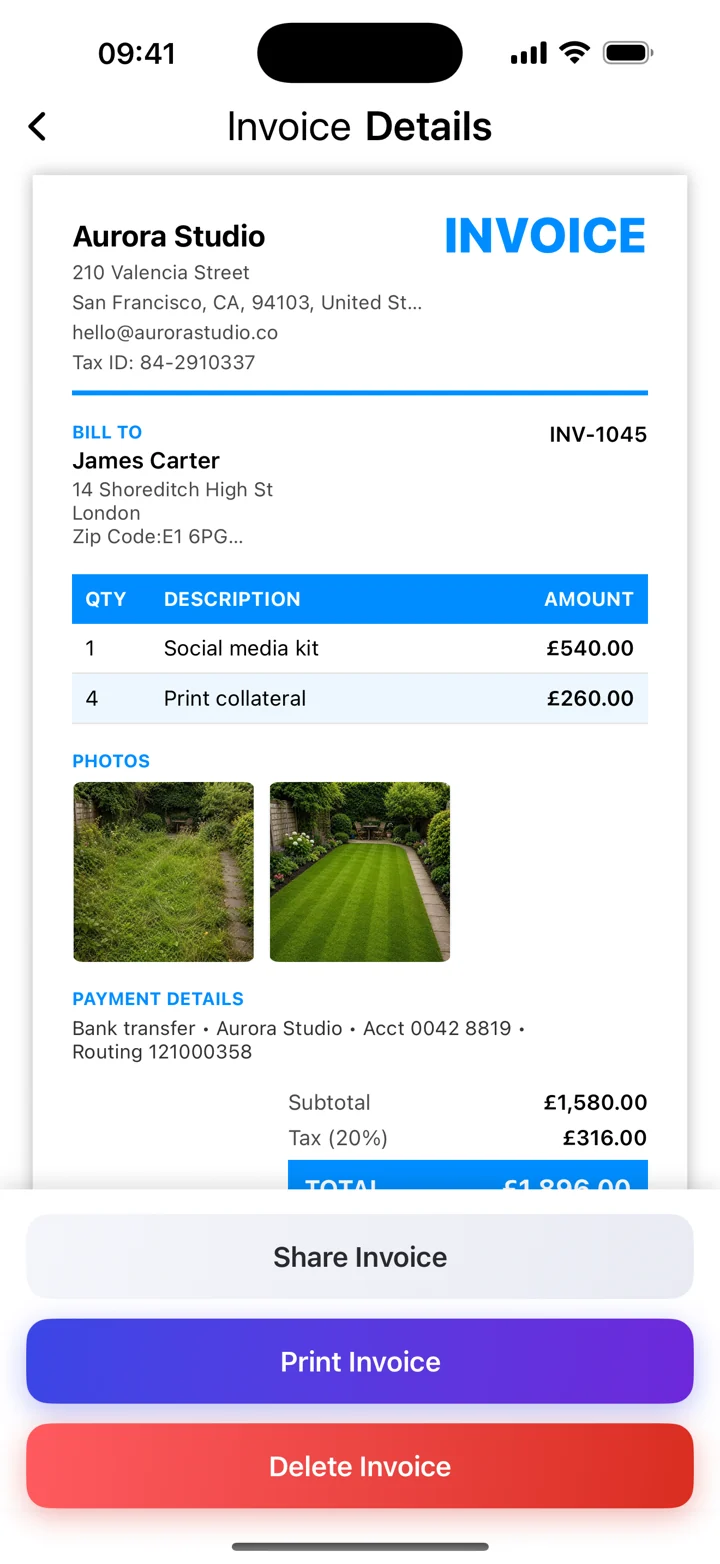
Show the work clearly
A photo can help a client recognize a product, an installation, or a finished task. Create the invoice with your business and client details, then use the app’s photo option to add a relevant image. Choose a picture that explains the billed work rather than adding decoration.
Keep the invoice complete
The image supports your line-item description; it does not replace it. Include quantities, rates, dates, and the total in the appropriate fields. If several things look similar, make their descriptions specific enough that the client can connect the picture to the charge.
Review the PDF
Preview the exported PDF before sending it. Check image placement and text readability on the full page. Use photos you have permission to share and avoid including unrelated personal information. The screenshot shows fictional demo data; available layouts can vary by template and release.