Review payment details in your invoice app
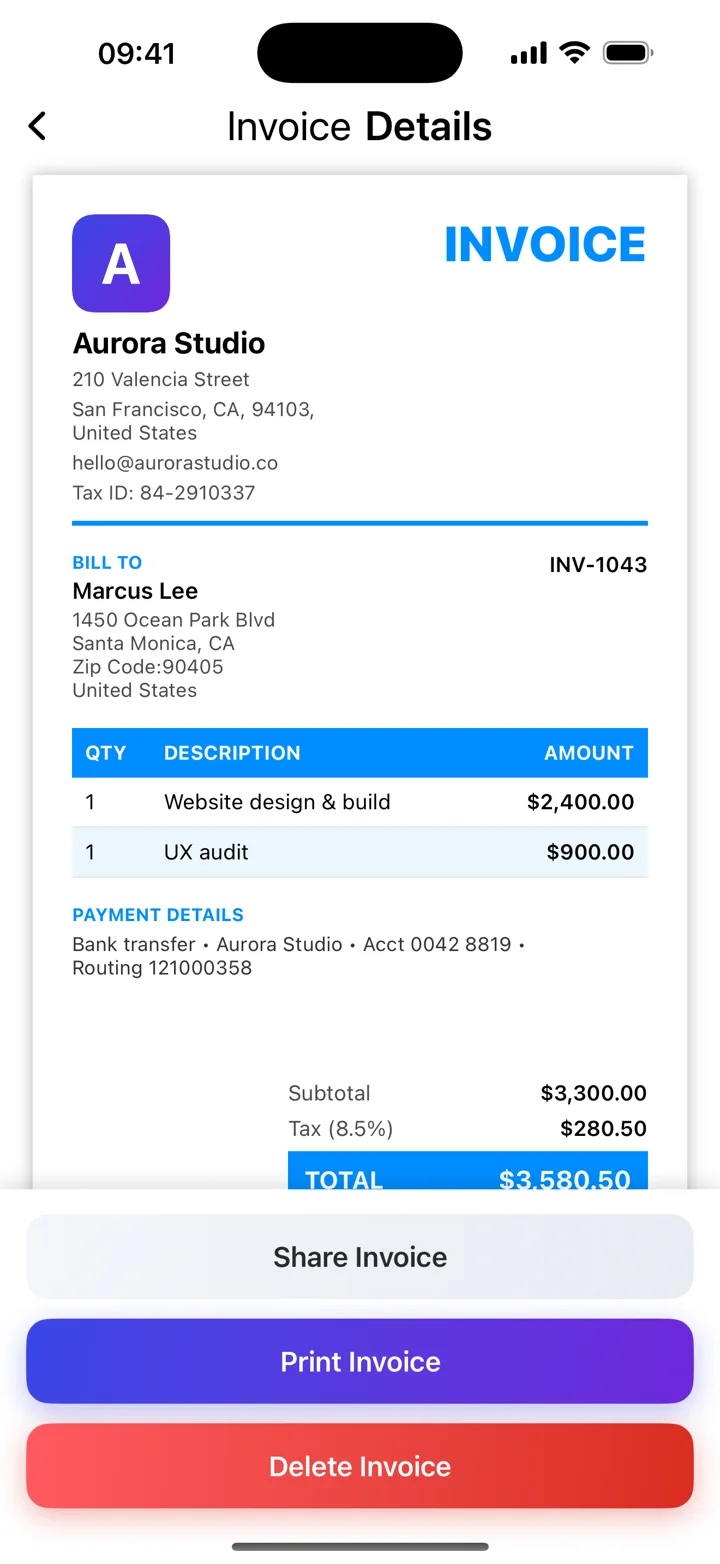
Use Kivana’s iPhone workflow to prepare an invoice with the client, line items and relevant dates. Review the due date and agreed payment instructions in the final PDF before sharing it. Paid and unpaid status is a record you maintain after checking payment; the app does not promise to collect money or automatically chase a client.
Explain how to make the payment
Include the agreed payment method, the details needed to use it, and the invoice reference. For example: “Please pay by bank transfer by October 19, 2026. Use INV-2026-014 as the reference.” Add and verify the actual account details separately.
Make the payment process easy to navigate
Ask the client whether they require a purchase order or a billing portal submission. Check who handles payment. A correctly addressed invoice with the right reference is easier to match to the approved work.
Follow up with the facts
When an invoice remains unpaid, check that the client received it and refer to the invoice number, original due date, and amount outstanding. Use a courteous reminder. Any late-payment fees or interest need to reflect applicable rules and the agreement; do not add arbitrary charges.
These guides explain everyday invoicing workflows. Examples are illustrative; check the rules that apply to your business and location.
View Kivana on the App Store ↗