
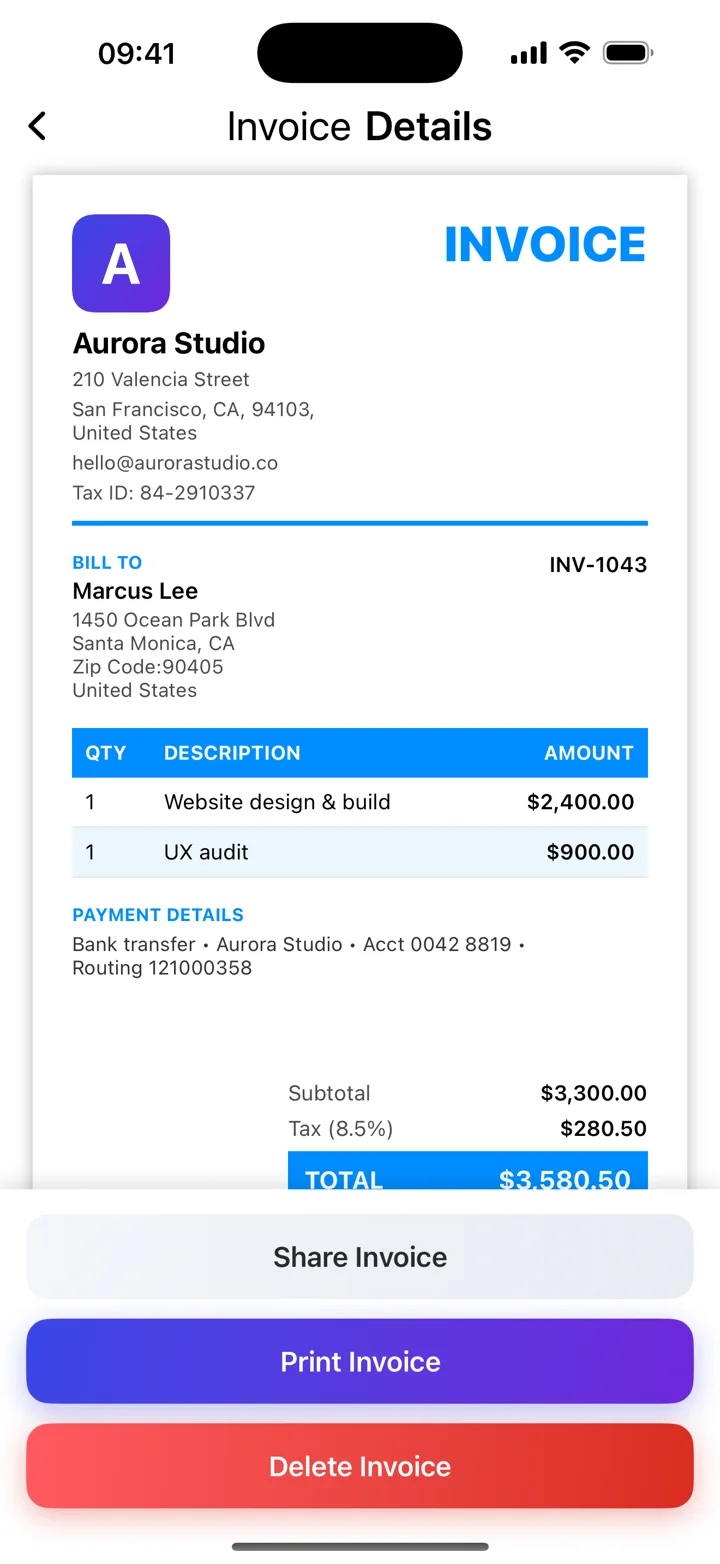
Choose an invoice app for the job you need
Kivana is an iPhone invoice app for preparing PDF invoices, saving clients and maintaining paid or unpaid records. An invoice requests payment; a receipt records money received. If you need automatic payment confirmation or a receipt generator, check those requirements separately rather than assuming an invoice app includes them.
A receipt records a payment
After a payment is confirmed, a receipt can record the date, amount, and what the payment relates to. The document requirements depend on the transaction and local rules. A card transaction notification and a business receipt are not automatically interchangeable.
Keep the payment status accurate
When you confirm a payment, update the invoice’s status in your records. In Invoice Maker, recording an invoice as paid helps organize the overview. That status is a record you maintain; it should not be described as automatic payment processing.
Keep both sides of the record
Retain the invoice you issued and the payment evidence that relates to it. If the client asks for confirmation, refer to the invoice number and actual payment amount. For partial payments, make the remaining balance clear.
These guides explain everyday invoicing workflows. Examples are illustrative; check the rules that apply to your business and location.
View Kivana on the App Store ↗