Invoice freelance work from your phone
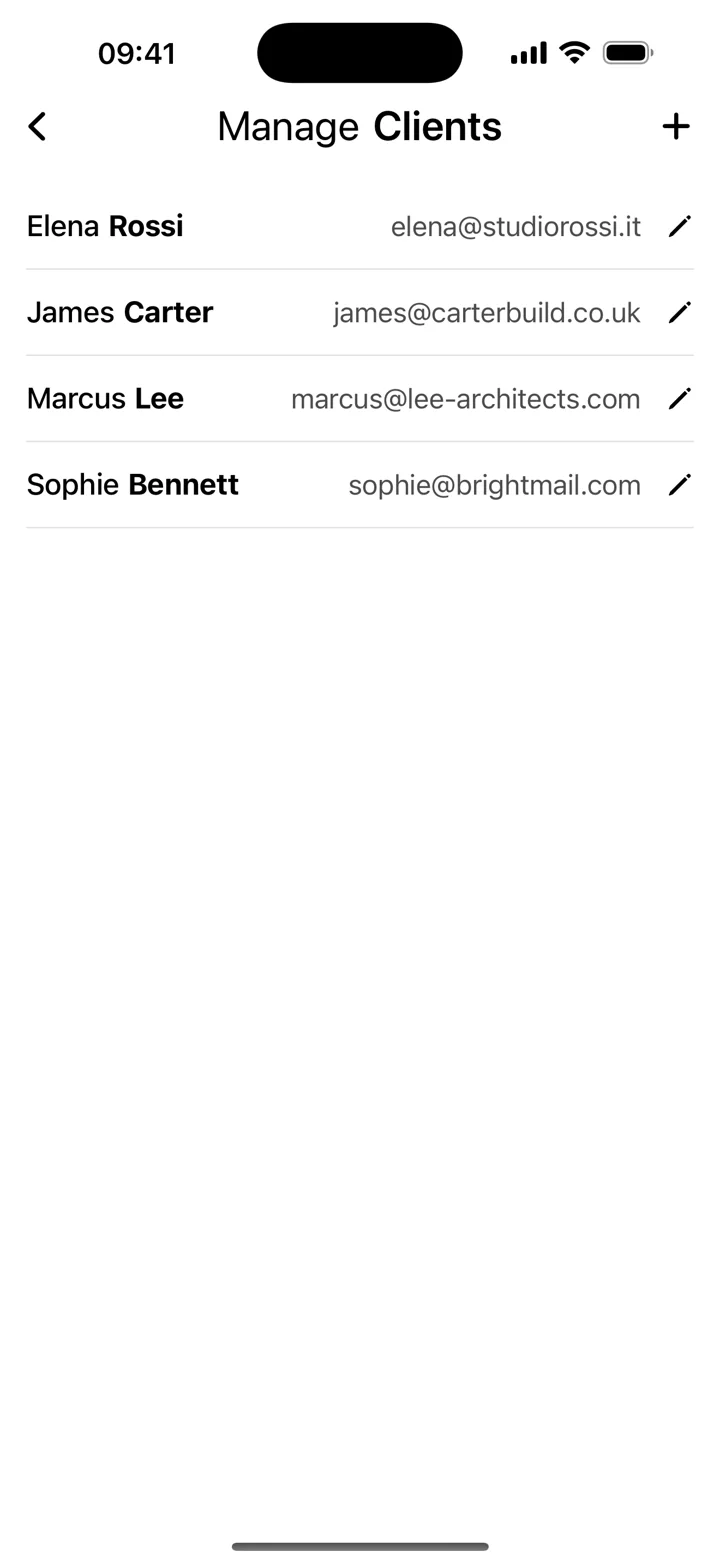
Kivana brings templates, client records and PDF sharing into an iPhone invoicing workflow. For an hourly project, add the hours and rate as a line item; for fixed-fee work, describe the agreed deliverable and price. Keep repeat clients in the app, then check the completed invoice before sharing it.
Give the client the right context
Include the project name, invoice reference, dates, and any purchase order number the client requested. Address the invoice to the correct business or person. If another department handles payment, ask for its contact details before sending.
Make payment instructions practical
Use the payment method and timing agreed for the project. Explain the reference the client should use and provide the details needed for that method. Check the details carefully before sharing; the invoice app does not verify bank information.
Build a repeatable habit
Keep a copy of each sent invoice and use a consistent numbering system. Review unpaid invoices regularly and record payments when you confirm receipt. Saved clients in Invoice Maker can reduce retyping when a client comes back for another project.
These guides explain everyday invoicing workflows. Examples are illustrative; check the rules that apply to your business and location.
View Kivana on the App Store ↗Reference: GOV.UK — UK invoice requirements ↗